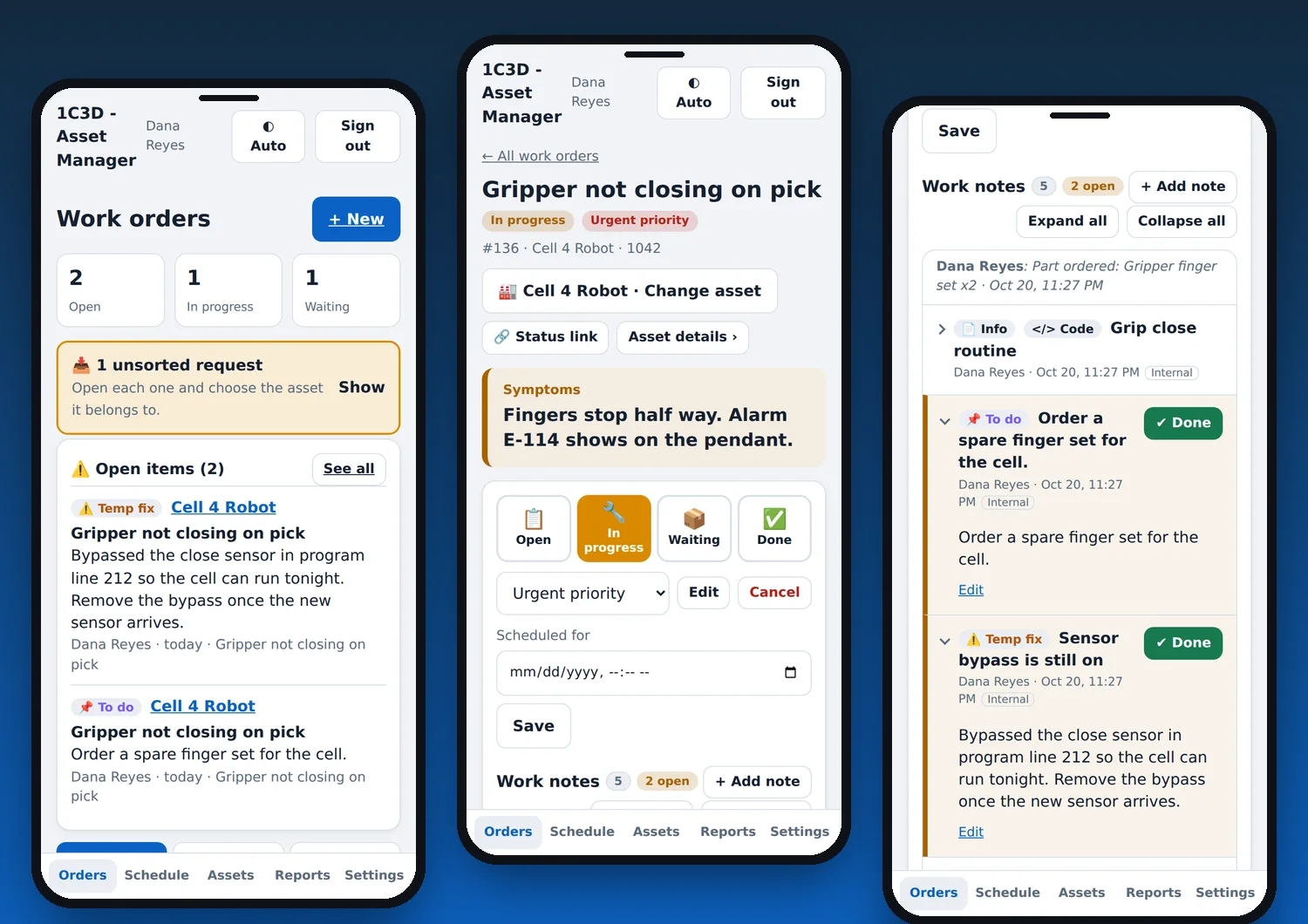
Pick the mode that fits your work
Choose it when you sign up and change it later in Settings. The wording, fields and pages follow the mode, and the rest of the app works the same.
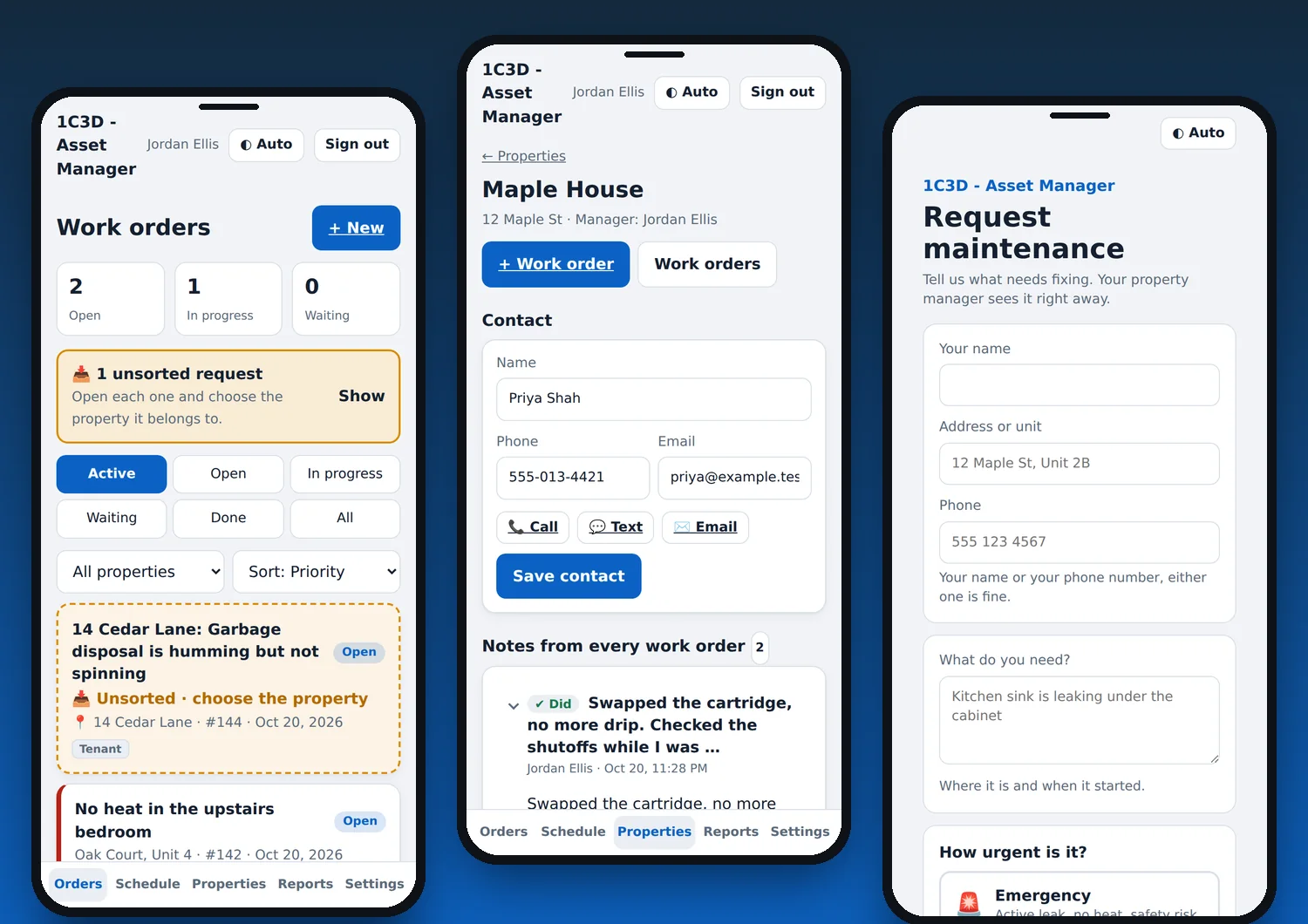
Property management
Landlords, managers and maintenance crews
- Work orders by property and unit
- Property contact info, notes, appliances and warranties
- Tenants send requests with name, address and phone
- Budgets, spending and owner statements
- QR poster for each property that opens a request form with the address filled in
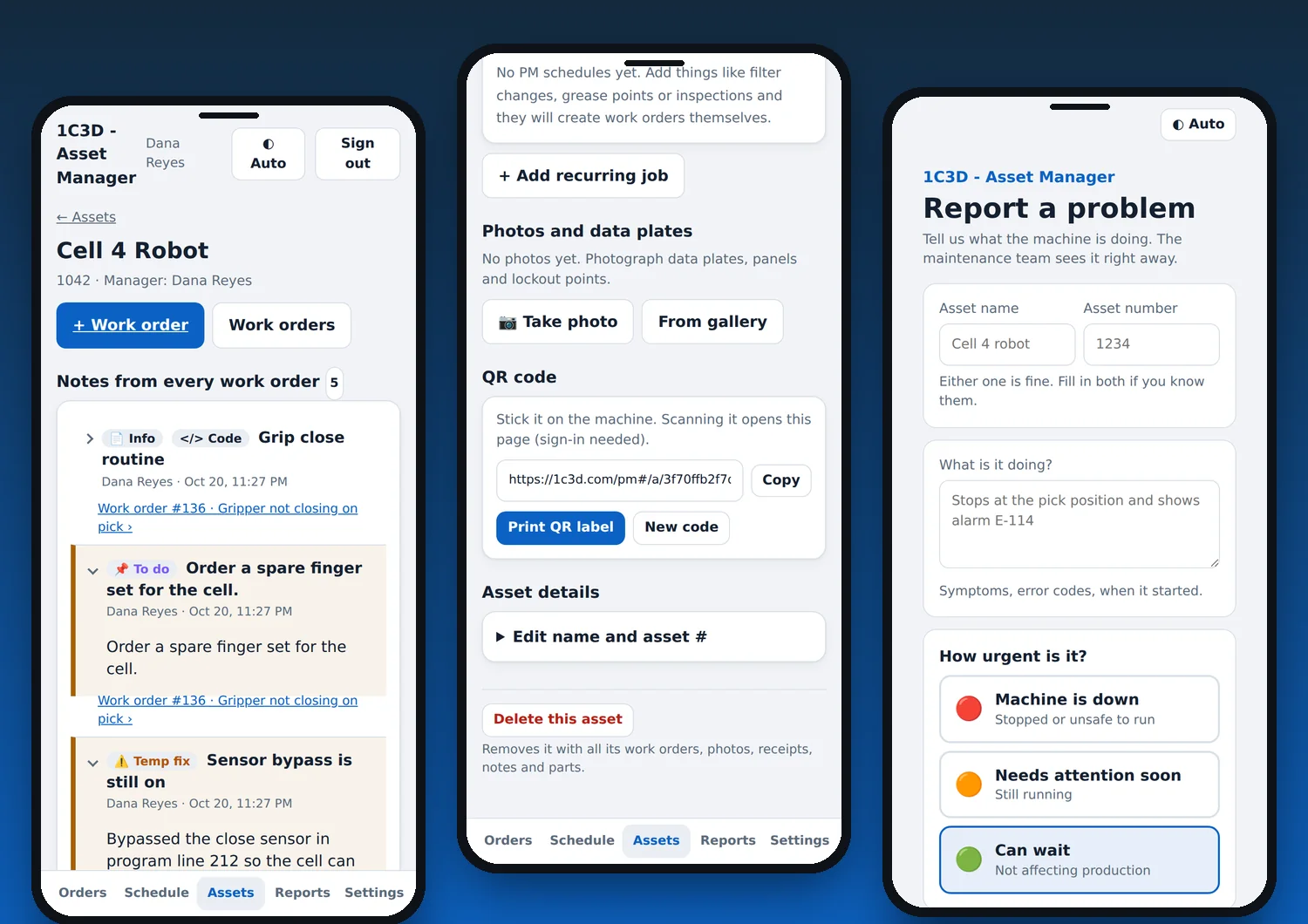
Asset maintenance
Shops, plants, fleets, facilities and equipment
- Work orders by asset name and number
- Asset page with every note from every job on that machine
- Anyone on the team can open asset details
- Recurring PM jobs, parts and data plate photos
- QR label for each asset that opens its details when scanned
Everything you learn about an asset, in one place
Every note from every work order shows on the asset page, so the next person sees what was done, what was found and what is still waiting. Mark each note as Did, Found, Temp fix, To do or Info so the important ones stand out.
Print a QR label, stick it on the machine, and anyone on your team can scan it to open the asset.
Requests that never get lost
Every account has its own request page. Someone sends a problem with just a name or a phone number, and it lands in Unsorted, marked clearly at the top of your Orders page. A team member files it under the right property or asset when they have a minute.
The person who reported it gets a private link to follow the status, and you can copy that link from any work order to share with someone else.
How a repair goes
One thread from the report to the paperwork, so nothing lives in text messages and shoeboxes.
From your request link or a QR code, with no account for the sender. It goes to Unsorted until your team files it, and you get an alert.
Assign it, schedule it, clock in and out, add notes, photos, parts and receipts. It works with no signal and syncs when you are back online.
The requester follows status from a private link. You keep the full history, spending and hours for reports and statements.
Everything in it
Built for people who do some of the work themselves. Here is the whole list.
Run the jobs
From the first report to done, in one thread.
Assets and properties
Everything you would otherwise keep in a shoebox or a binder.
Time and money
Know what a job really cost.
Your team
Nothing team-related shows until you add someone.
On your phone
Made for a basement or a plant floor with no bars.
Safe by default
Your records are yours.
Plans
Start free. Upgrade when you outgrow the limits or want the extras.
Free
Up to 4 properties or assets, 4 team seats
- Work orders, schedule and notes
- Request page and Unsorted inbox
- Time tracking and receipt scanning
- Budgets, spending and reports
- Works offline
Pro
$10 / month
- Unlimited properties and assets
- Printable QR posters and asset labels
- Recurring jobs that create their own work orders
- Vendor directory with spending by vendor
- Statements you can save as PDF
- Calendar sync and push alerts
- Up to 15 team members, more photos and asset space
Questions
Can I use it for both properties and equipment?
Yes. Pick Property management or Asset maintenance for the account. Pick the mode that matches most of your work. The notes, photos, time, receipts and request page work the same in both.
Who can see my data?
Only you and the people you invite. The platform administrator sees account totals but cannot open your work orders, assets or photos. We do not sell or share your information.
Does the person reporting a problem need an account?
No. They use your request link or scan a QR code and send a name or phone number with what is wrong. They can follow the status from a private link.
Can I have helpers or a crew?
Yes. Free includes four team members and Pro includes up to fifteen. Add them by email, and remove them any time.
What happens when the trial ends?
You move to the Free plan. Nothing is deleted. Pro features pause until you upgrade.
Does it work without signal?
Yes. Clock in, add notes and photos, and it sends when you are back online.