1C3D Asset Manager: Work Orders for Properties and Equipment
asset managerwork ordersproperty managementasset maintenanceqr codesappannouncement
Work Orders is now 1C3D Asset Manager. The name is new because the app now does more: run it for rental properties, for the equipment in your shop or plant, or both. Pick a mode when you sign up and the wording, fields and pages follow it.
→ See what it does and create a free account
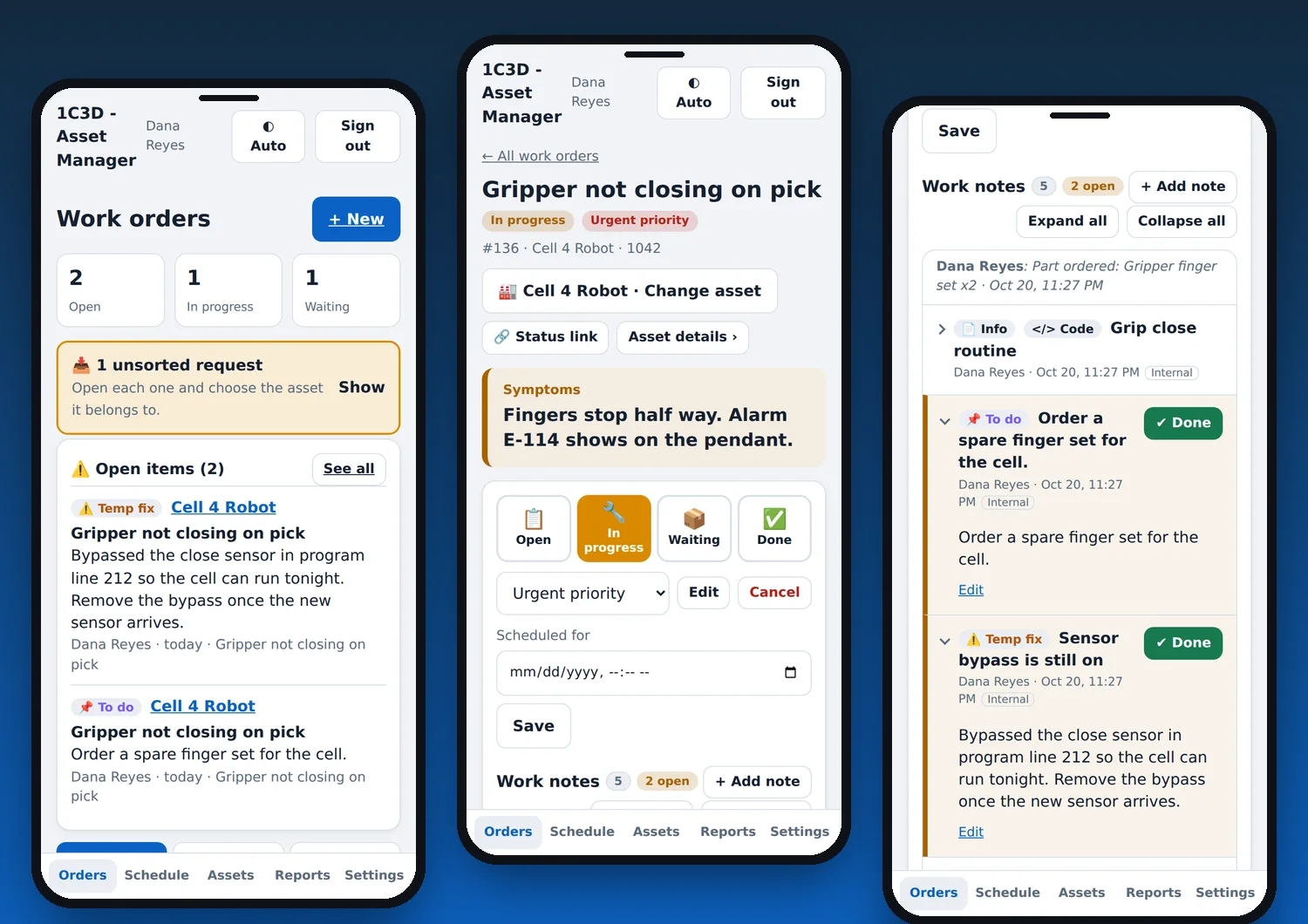
Two modes, one app
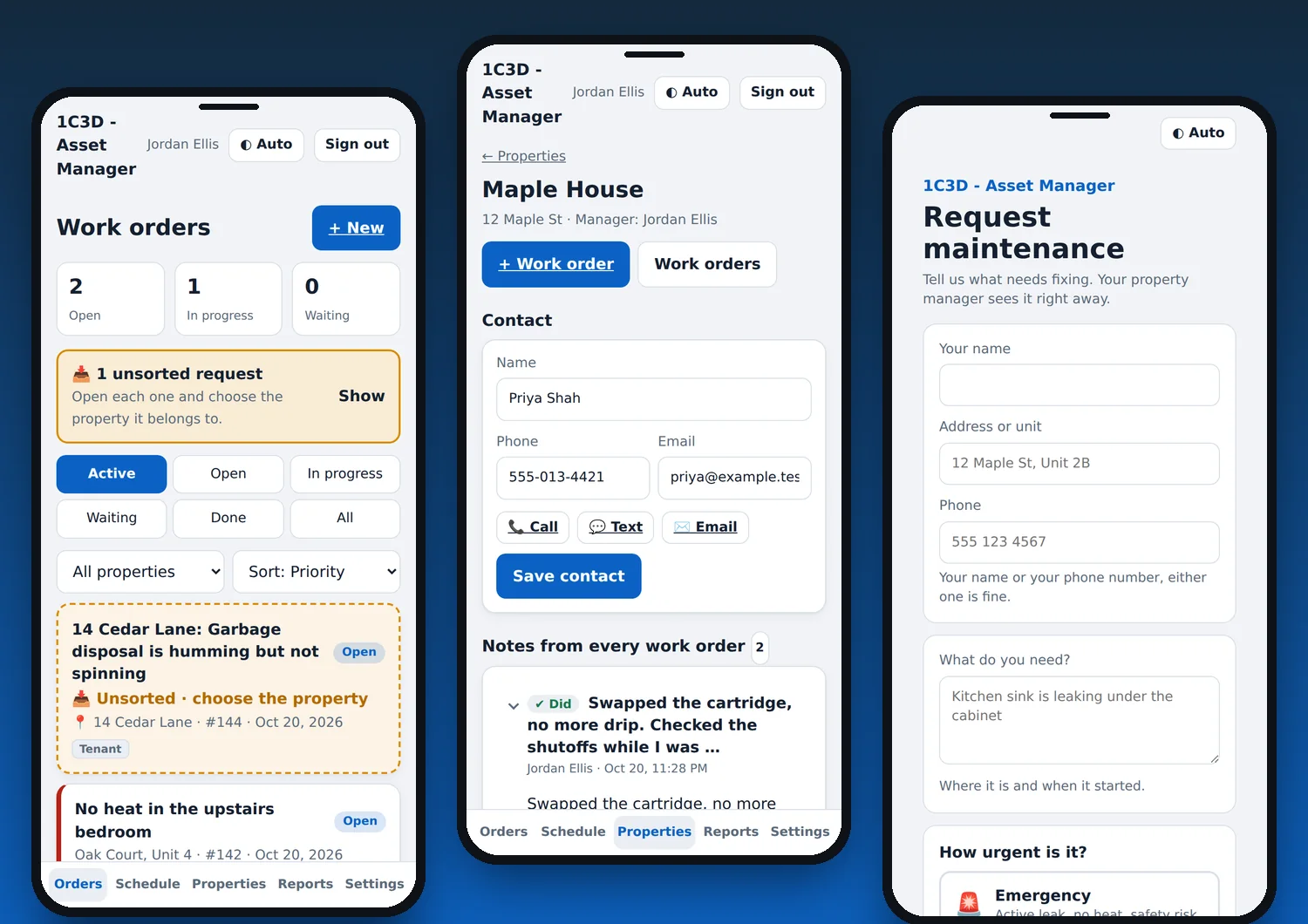
Property management
- Work orders by property and unit, with contact info, notes, appliances and warranties on each property page
- A request page where tenants send their name, address, phone and what they need
- Budgets, spending by month, and printable owner statements
- A QR poster for each property that opens the request form with the address filled in (Pro)
Asset maintenance
- Work orders by asset name and number
- An asset page that lists every note from every work order on that machine
- Asset details open to the whole team, so anyone can pick up a job
- Recurring PM jobs, parts, and photos of data plates and panels
- A QR label for each asset that opens its details when scanned (Pro)
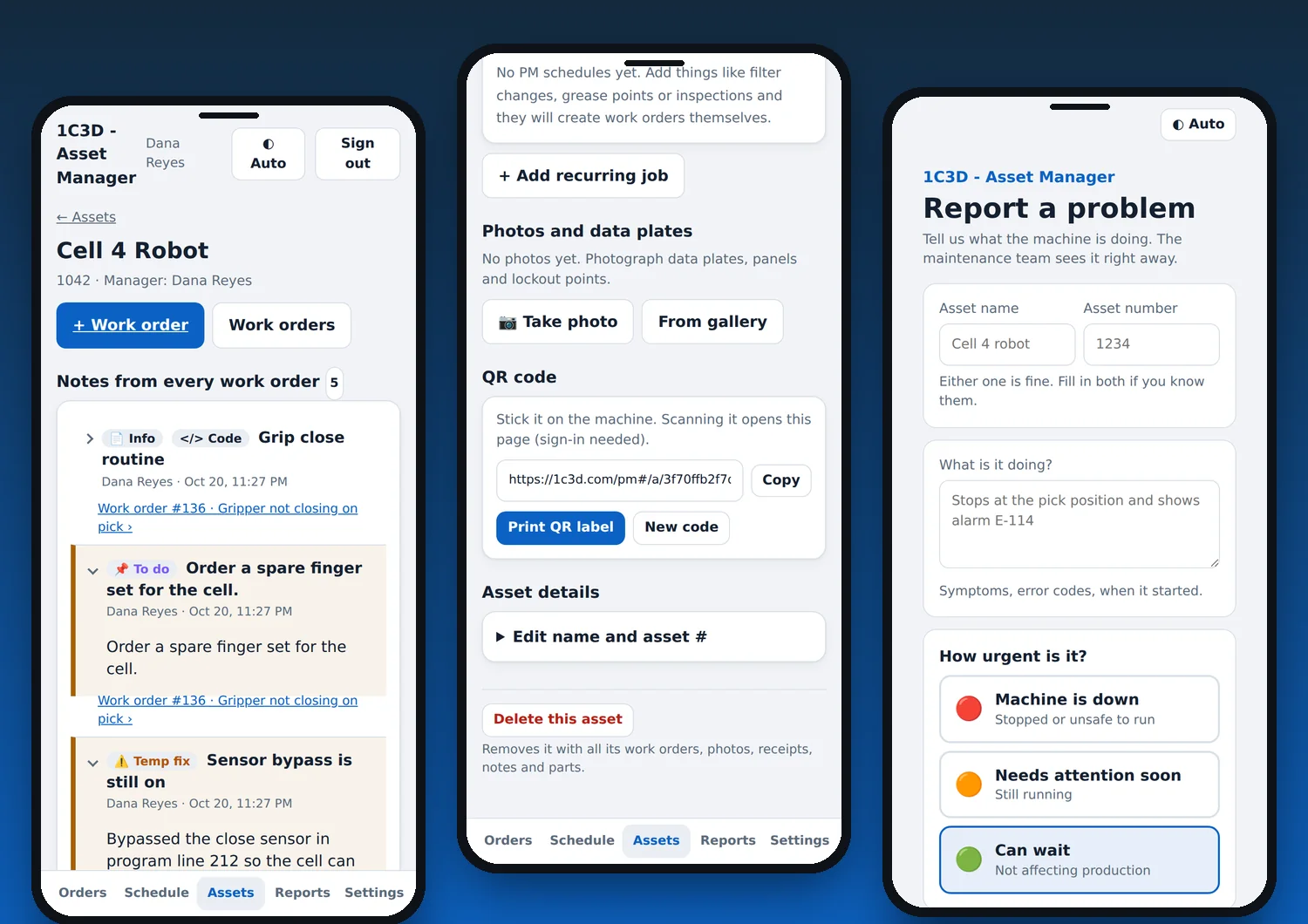
What's new
- Universal request page. Every account gets a request link worded for its mode. A name or a phone number is enough to send a request, and the sender gets a private link to follow the status.
- Unsorted inbox. New requests wait in a highlighted Unsorted list on the Orders page until a team member files them under the right property or asset.
- Status link. Copy a private status link from any work order and send it to anyone who needs to follow the job.
- Simpler job status. One short set of statuses (open, in progress, waiting, done) works for both modes, with a compact status card.
- Note icons. Mark notes as Did, Found, Temp fix, To do or Info to find things fast. Status changes are color coded, and the note editor opens only when you tap Add note.
- Team. Four seats free and up to 15 on Pro. You can now remove team members and tenants.
- Safer links and files. QR codes and asset links are long random codes that cannot be guessed, and photos are only served to signed-in people with access.
- Your branding. Emails and the request page use your business name and reply-to address.
Everything else
- Schedule with day-before reminders, and calendar sync to Google or Apple Calendar (Pro)
- Clock in and out on a job, or add time by hand
- Receipt scanning that reads the store and total on your device
- Vendors and spending by vendor (Pro)
- Recurring jobs that create their own work orders (Pro)
- Push alerts for new requests and assignments (Pro)
- Works offline and installs to your home screen, in light or dark
- Two-step sign-in, and you can delete your account and all its data yourself
Free to start
Every account starts free with up to 4 properties or assets and 4 team seats, and new accounts get a 14-day Pro trial with no card. If the trial ends you move to Free and nothing is deleted. We never sell or share your information.
Questions or ideas? Post in the forum. See the terms and privacy policy.